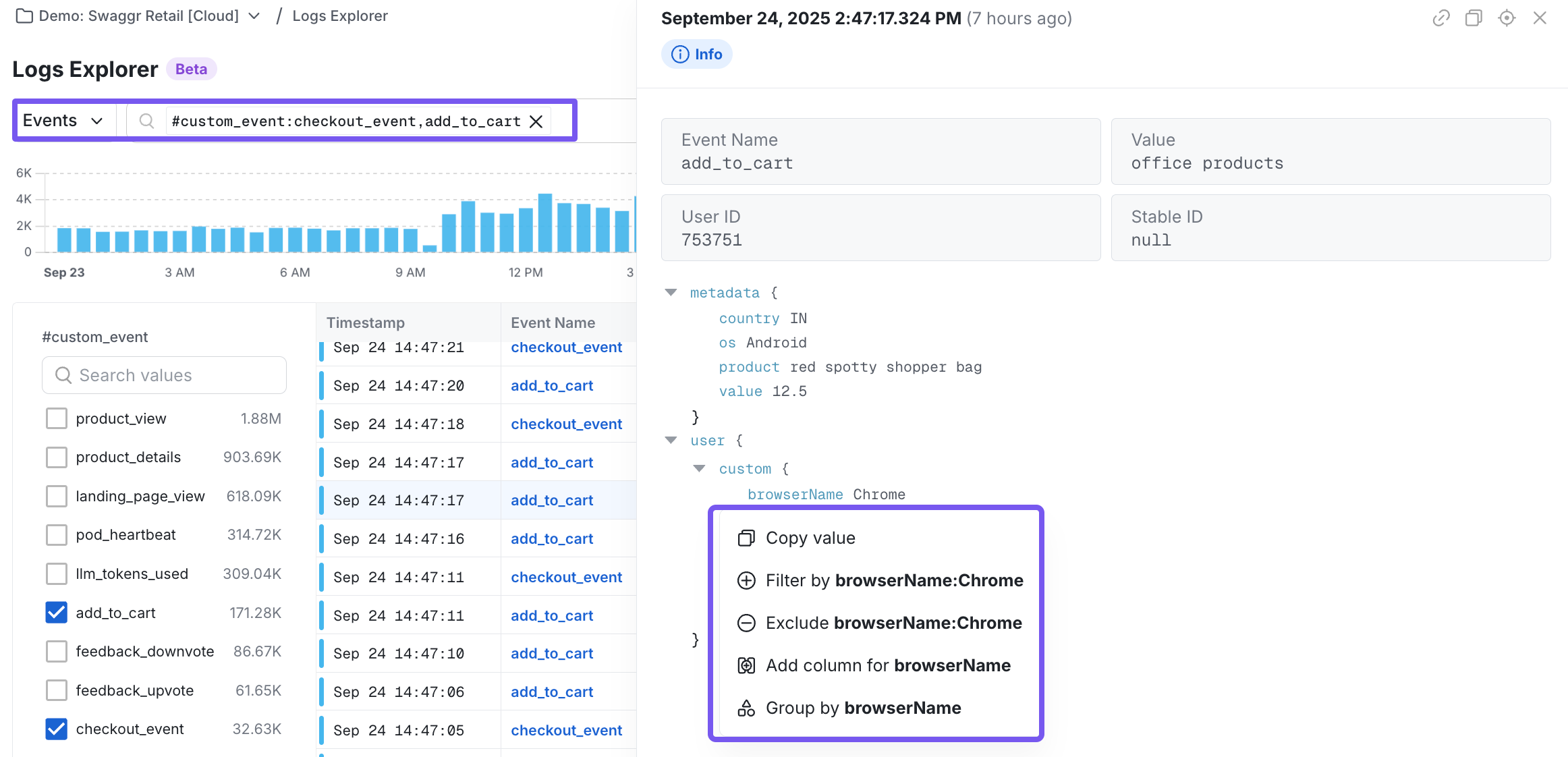
- Debug user activity with more control
- Trace the sequence of actions a user performed
- Narrow in on specific events from metadata properties
Events Mode is available to all Statsig Cloud customers.
To Get Started:
- Open Logs Explorer from the left navigation.
- Use the toggle next to the search bar to switch from Logs mode to Events mode.
- Start searching across event names, properties, and time ranges.
How to Construct your Search
You can search through events in two ways:- Writing queries: Use syntax-based search to target specific events and properties
- Using the query builder: Point-and-click to construct filters without syntax overhead.